
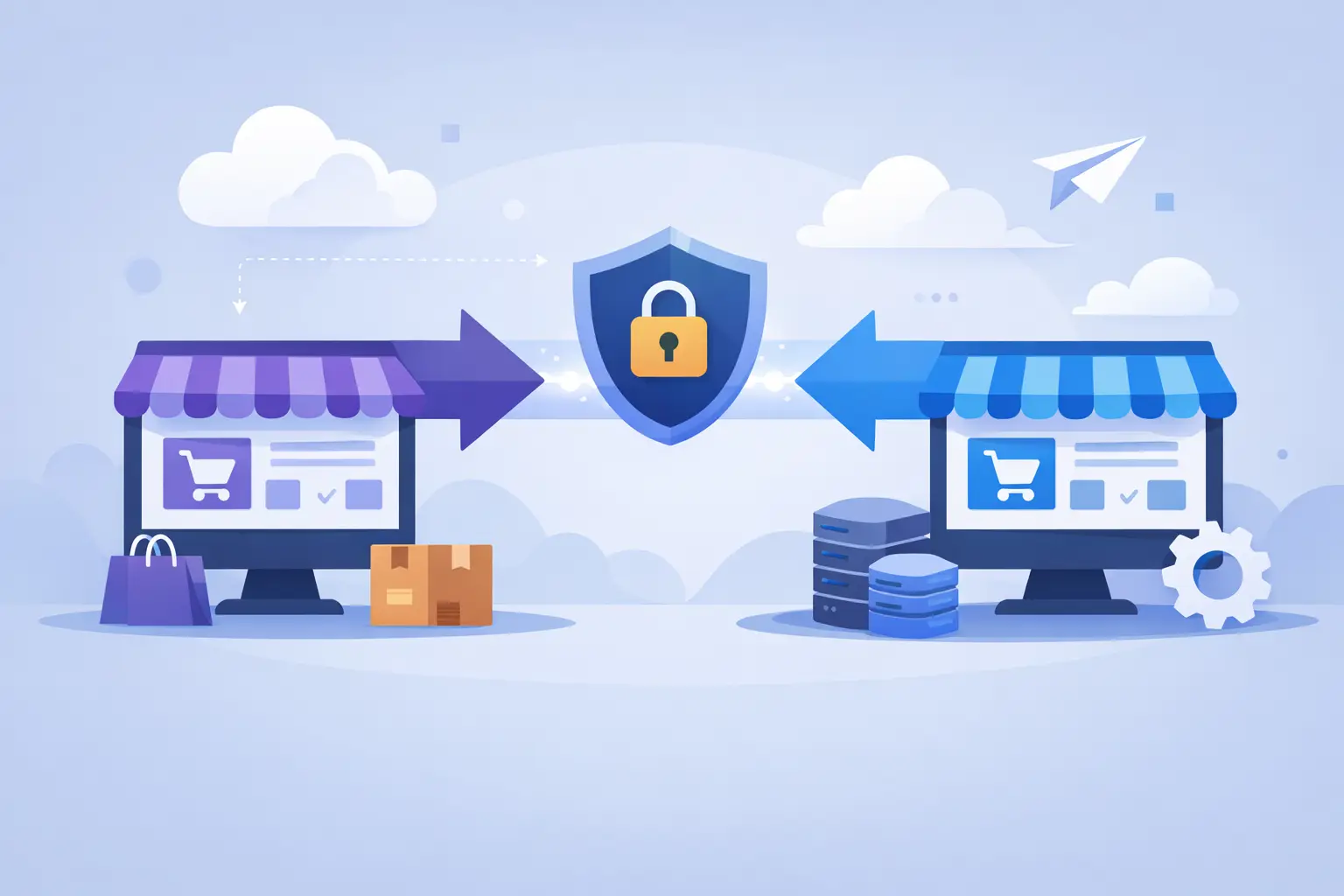
WooCommerce Migration Case Study for Safer Cutovers
A WooCommerce migration case study is only useful if it accounts for what can go wrong when customers are actively placing orders. Moving a content site is one thing. Moving a store means preserving carts, payment flows, inventory changes, customer records, emails, cron jobs, and the performance buyers experience at the moment they decide to check out.
This representative case follows a growing online merchant whose WooCommerce store had outgrown a generic shared hosting account. The business was not looking for a cosmetic platform move. It needed a controlled infrastructure migration that reduced checkout latency, removed recurring server issues, and kept revenue operations intact.
Contents
The WooCommerce Migration Case Study: The Starting Point
The store processed a steady daily order volume, with traffic rising sharply during promotions and email campaigns. Its WordPress installation had accumulated years of plugins, product variations, customer accounts, and order data. The immediate concern was not disk space. It was unpredictable performance.
At busy periods, product and cart pages slowed noticeably. Backend order administration became sluggish, scheduled tasks ran late, and the team had limited visibility into why CPU and database usage spiked. The shared environment also placed restrictions on server-level configuration, leaving the merchant to troubleshoot business-critical issues through a standard support queue.
A migration to managed cloud hosting was chosen for three reasons: the store needed a dedicated, tuned environment; it needed engineers to own the infrastructure layer; and it could not accept a risky cutover during a high-revenue period.
The target was clear: move the store with no lost orders, no exposed customer data, and no extended checkout interruption. Performance improvement mattered, but reliability during the transition came first.
Why a Store Migration Needs More Than File Transfer
A WooCommerce site is not a static collection of PHP files and media uploads. Its current state changes constantly. Every order can update stock quantities, create order records, trigger emails, write payment metadata, and add customer data to the database.
That changes the migration method. A one-time database export taken hours before DNS is updated can leave a gap between the copied data and the live store. For an ecommerce operation, that gap can mean missing orders, inaccurate inventory, duplicate fulfillment work, or customer service problems that are expensive to untangle.
The migration team treated the project as an operational cutover, not a file-copying exercise. Before any move, engineers mapped the components that affected transactions: payment gateway callbacks, transactional email, inventory integrations, shipping plugins, webhooks, caching rules, scheduled jobs, DNS records, SSL certificates, and third-party API access.
This discovery phase also exposed a common issue: not every plugin behaves well behind aggressive caching. Cart, checkout, and account pages needed to bypass page cache, while product and category pages could benefit from carefully configured caching. The correct rule set depends on the store’s extensions, payment methods, and personalization features. There is no safe one-size-fits-all cache configuration for WooCommerce.
Building the Target Environment Before the Cutover
The new environment was prepared before production data was moved. Rather than placing the site on a generic server image, the stack was configured for the store’s actual workload: PHP resources appropriate to plugin demand, a database configuration sized for the catalog and order volume, object caching where compatible, and web-server rules designed to protect dynamic checkout paths.
Security was addressed at the same stage. The server was hardened, SSH access was controlled, backups were configured, and monitoring was enabled before the store became live. SSL was installed and tested in advance, including checks for mixed-content warnings that can erode buyer confidence or interfere with payment flows.
A staging copy was then deployed to the new infrastructure. The merchant and engineering team used it to test the customer journey from product search through order confirmation. They validated coupon logic, shipping calculations, tax behavior, customer account access, password resets, payment authorization, and the administrative workflow for processing orders.
This work can feel slower than simply changing DNS. It is also where migration risk is removed. A store that loads quickly on a staging URL can still fail in production if webhooks point to the old host, outgoing mail is misconfigured, or a payment provider rejects the new server environment.
The Cutover Plan That Protected Live Orders
The migration was scheduled during the store’s lowest typical order window, not because a quiet period makes risk disappear, but because it gives the team more room to respond. A written runbook defined responsibilities, rollback conditions, testing order, and the point at which the old environment could be retired.
The process used an initial full synchronization of site files and the database, followed by a final synchronization immediately before launch. During that final window, the store was briefly placed into controlled maintenance mode to prevent new writes while the last database changes were copied. The objective was a short, deliberate interruption instead of a long period where two environments could accept conflicting orders.
DNS records were prepared with lower time-to-live values beforehand, reducing the delay when traffic was directed to the new server. The original host remained available after the switch, creating a practical rollback option if a critical failure appeared.
After DNS propagation began, the engineering team checked more than the homepage. They tested HTTPS redirects, product pages, cart updates, checkout sessions, payment processing, order confirmation emails, admin access, and webhook delivery. Website uptime monitoring provided an additional layer of visibility during the transition, while server logs and performance metrics helped identify the cause if a customer-facing problem appeared.
Results: Better Headroom, Better Operational Control
Following the migration, the merchant saw faster responses on catalog and cart pages under normal traffic. The more meaningful change was consistency. Instead of performance deteriorating unpredictably during campaigns, the store had infrastructure capacity and monitoring designed around its workload.
The operations team also gained a clearer support path. When a plugin update, traffic spike, or scheduled job created a problem, there was an accountable engineering layer responsible for the server, security posture, backups, and diagnostics. That reduced the time internal staff spent trying to determine whether an issue was caused by WordPress, a plugin, the database, or the host.
No production migration is risk-free, and results depend on the store’s code quality, extension stack, traffic profile, and third-party services. Managed infrastructure will not fix a poorly written plugin or an inefficient custom query by itself. What it does provide is the visibility, tuning, and operational discipline needed to identify those issues without treating the production store as a testing ground.
What This WooCommerce Migration Case Study Teaches
The main lesson is that a successful migration is measured by business continuity, not by how quickly files were transferred. A faster server matters, but a faster server with broken order emails, stale inventory, or failed payment callbacks is not a successful outcome.
Store owners should expect their migration partner to ask detailed questions. Which payment gateways are active? Are there ERP, fulfillment, or email marketing integrations? Does the site use subscription renewals, bookings, memberships, or multicurrency pricing? Are backups tested for restoration, not merely created? These questions are evidence of proper planning, not unnecessary complexity.
The right approach also changes with the business. A small catalog with low order volume may tolerate a short maintenance window. A high-volume merchant running flash sales may need a more tightly coordinated cutover, extended monitoring, and a launch time selected around revenue patterns. Custom headless storefronts, large databases, and external inventory systems introduce further dependencies that deserve separate validation.
For businesses moving revenue-critical WooCommerce stores, the safest path is engineered ownership from the first audit through post-launch monitoring. Olvy approaches migrations with that standard: build the right environment first, verify every transaction path, and make the switch only when the store is ready to operate under real customer traffic.
A migration should leave your team with more than a new server. It should leave you with a store that is easier to trust on your busiest day.
About Olvy ( www.olvy.net ) :
Olvy is a private and independent Limited Liability Company based in Bratislava, Slovakia, in the heart of Europe. We combined our invaluable 20+ years experience to develop innovative and reliable, lightning-fast and affordable Managed Cloud Hosting services for Everyone. From a small blog to a growing eCommerce – Olvy takes care of your website 24/7.
