
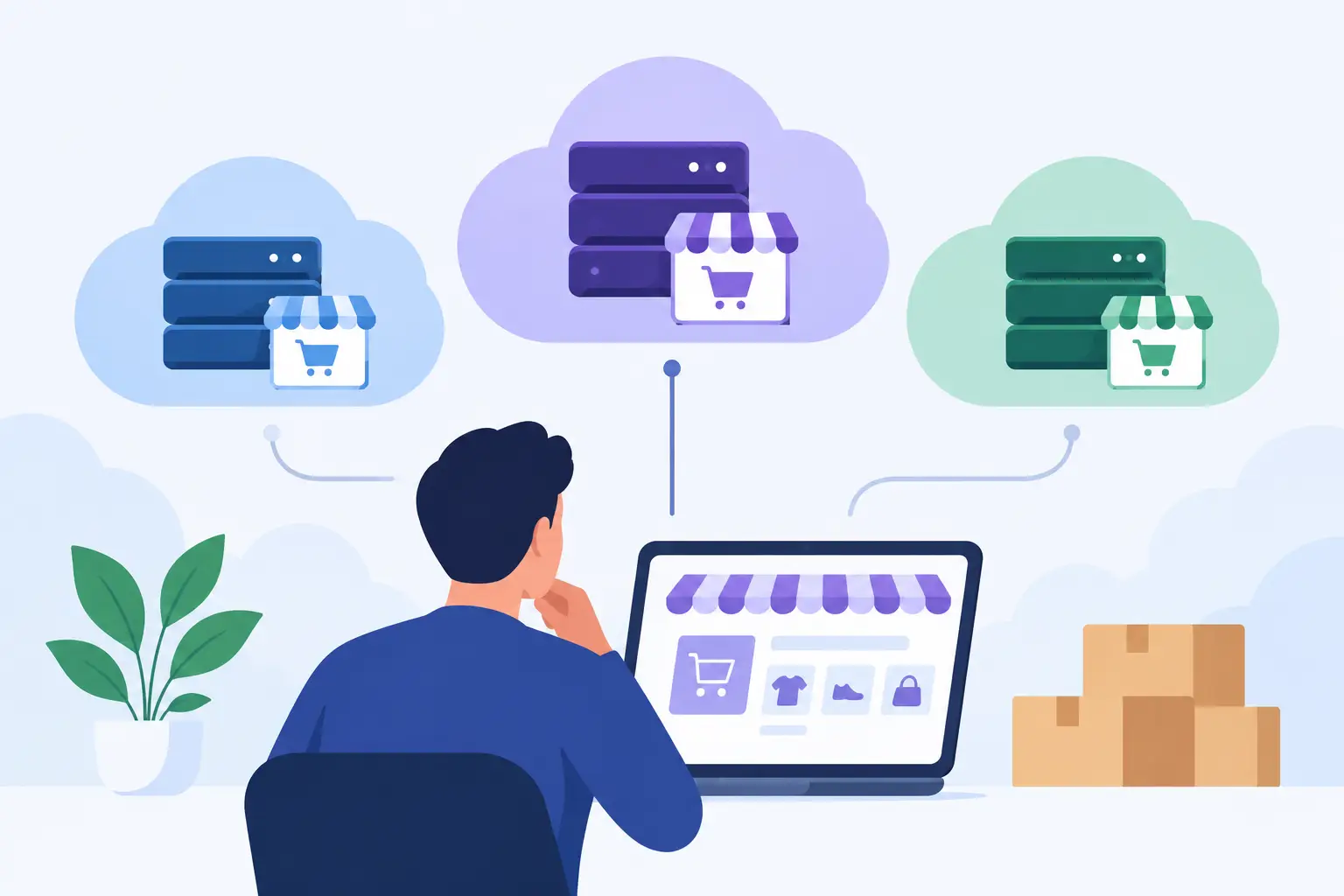
WooCommerce Cloud Comparison for Growing Stores
A slow category page is frustrating. A slow checkout during a promotion is lost revenue. That is why a WooCommerce cloud comparison should start with the workload your store must survive, not a list of storage limits or promotional prices. WooCommerce is a dynamic application: every cart update, inventory check, payment request, and account action places demand on PHP, the database, caching layers, and the server itself.
For a small catalog with steady traffic, many hosting options can appear adequate. The difference becomes visible when traffic spikes, the product database grows, plugins multiply, or a failed background task leaves orders in an uncertain state. The right cloud environment is the one that gives your store enough performance headroom and gives your team clear operational ownership when something goes wrong.
Contents
What a WooCommerce cloud comparison should measure
Cloud hosting is not a single product category. A virtual server from a major cloud provider, a low-cost shared plan marketed as cloud hosting, and a fully managed WooCommerce platform can all use cloud infrastructure. They deliver very different outcomes because the operating model around that infrastructure is different.
For commerce teams, the meaningful comparison comes down to five areas: performance under concurrent activity, reliability and recovery, security operations, control over the environment, and the real cost of managing it. A plan with more CPU may still be the wrong choice if its database is poorly tuned, its cache invalidation breaks cart behavior, or no qualified engineer is responsible for investigating incidents.
Performance is more than a fast homepage
A cached homepage is easy to make fast. WooCommerce’s harder pages are dynamic: cart, checkout, My Account, logged-in sessions, personalized prices, and real-time stock behavior. These pages often bypass full-page caching, so they depend on efficient PHP execution, sufficient PHP workers, low-latency database access, object caching, and disciplined plugin behavior.
Ask how the environment handles concurrent uncached requests. Ask whether resources are isolated or heavily shared. Find out who tunes PHP-FPM, MariaDB or MySQL, Redis, and the web server when response times rise. These details directly affect checkout capacity, especially during email campaigns, flash sales, and seasonal peaks. A practical WooCommerce server optimization checklist can help identify the infrastructure and configuration factors that matter most when evaluating hosting performance.
A content delivery network can reduce the load created by images, scripts, and static files. It does not fix a slow checkout query or an exhausted PHP worker pool. In a serious comparison, separate edge delivery from application performance.
Reliability means recovery has been designed in advance
An uptime claim matters less than the procedures behind it. Hardware can fail, deployments can introduce errors, plugins can conflict, and a compromised administrator account can damage a store. A dependable service plans for each of these events.
Review backup frequency, retention periods, off-server storage, restore procedures, and whether restores are tested. Daily backups may be sufficient for a low-volume content site but can leave an active store with a meaningful order gap. Stores with frequent orders should understand their recovery point objective: how much data they can afford to lose. They should also consider their recovery time objective: how quickly the site must return to service.
Monitoring is equally practical. It should cover availability, resource pressure, failed services, storage capacity, and application-level symptoms where possible. An alert without an accountable engineer is only a notification. For revenue-critical stores, the question is who responds, what they can change, and whether that response is included in the service.
Security is an operating discipline
WooCommerce stores process customer data, administrator access, and transaction-related activity. Security therefore extends beyond installing an SSL certificate. The host should address operating system patching, firewall policy, malware response, access controls, backup protection, vulnerability management, and isolation between customer environments.
A self-managed cloud server can be secure, but only when someone owns these tasks consistently. That work includes reviewing logs, applying updates safely, restricting administrative access, and responding to suspicious activity. Generic hosting may handle some platform security while leaving application hardening and incident cleanup outside the plan. Clarify the boundary before an incident, not during one.
Comparing the main WooCommerce cloud options
Shared or entry-level cloud hosting
Shared hosting is attractive because it is inexpensive and simple to start. The provider usually manages the basic server platform, and the control panel makes common tasks accessible to nontechnical users. For a new store with light traffic and a limited budget, it can be a reasonable first step.
The trade-off is limited control and unpredictable resource contention. Your store may share infrastructure with sites that create noisy periods of CPU, disk, or database demand. Advanced performance tuning may be unavailable, and support teams often work within a standardized platform rather than tailoring the stack to your store. This model becomes risky once checkout speed and uptime have a visible effect on revenue.
Self-managed cloud infrastructure
Cloud providers offer flexible virtual machines, managed databases, load balancers, object storage, and global networking. This model gives experienced teams significant control. You can select the server size, architecture, operating system, deployment process, and scaling approach that suit a custom commerce operation.
The trade-off is operational responsibility. Your team must provision and harden servers, configure backups, patch systems, monitor services, investigate alerts, tune the application stack, and maintain a recovery plan. Infrastructure costs may look efficient on a monthly invoice, but the total cost rises quickly when developers or outside contractors spend time on routine systems work.
Self-managed cloud is a strong fit for organizations with in-house Linux and cloud operations expertise, unusual compliance requirements, or highly customized deployment workflows. It is less attractive for a growing merchant whose technical team should be improving the storefront, integrations, and customer experience instead of maintaining servers.
General managed WordPress hosting
Managed WordPress services remove much of the server burden. They commonly provide updates to the underlying platform, backups, caching, SSL handling, and support for everyday WordPress issues. For editorial sites and simpler WordPress builds, this can be an efficient middle ground.
WooCommerce adds complexity that exposes the limits of generalized management. Stores need careful exclusions for cart and checkout pages, compatibility with payment and shipping extensions, room for scheduled tasks, and troubleshooting that recognizes database, queue, and session behavior. Before choosing a provider, verify that its support model is designed for WooCommerce rather than merely allowing WooCommerce to run.
Engineered managed WooCommerce cloud
A specialized managed WooCommerce hosting combines cloud infrastructure with hands-on operational ownership. The provider configures the server stack around the application, hardens the operating system, maintains monitoring and backups, manages SSL, and investigates performance or service issues at the infrastructure level.
This approach costs more than an unmanaged virtual machine because skilled engineering work is part of the service. A properly managed cloud environment reduces the internal workload and shortens the path from a symptom to a technical response. At Olvy, that means real engineers working with custom-tuned stacks and security-first architecture rather than treating every WordPress site as the same workload.
This model is usually the best fit for stores where downtime, slow checkout, or internal infrastructure work costs more than the difference in monthly hosting fees. It is especially useful for agencies managing multiple client stores, merchants without a dedicated operations team, and businesses preparing for sustained growth.
Look past specifications and test the service model
Two plans can show similar vCPU, memory, and storage allocations while delivering very different store performance. Specifications matter, but they do not explain how resources are shared, whether the database is local or remote, how disk performance behaves under load, or how quickly a support team can make informed changes.
During evaluation, describe your actual store. Include monthly traffic, expected peak concurrency, product count, order volume, active plugins, payment gateways, integrations, and planned campaigns. A capable provider should ask follow-up questions rather than prescribe the same plan for every WooCommerce site.
It is also reasonable to ask how migrations are handled. A commerce migration needs more than copying files and a database. It must account for DNS timing, SSL, payment gateway configuration, email delivery, scheduled actions, cache behavior, and order activity during the cutover. Free migration is valuable only when the process has an owner and a rollback plan.
Choose based on operational risk, not marketing labels
A small store that is validating a product may sensibly begin with a modest managed plan. A high-volume merchant with an experienced platform team may choose self-managed cloud for maximum architectural control. Most established WooCommerce businesses fall between those extremes: they need infrastructure that is tailored and actively maintained, but they do not need to hire specialists to operate it every day.
The best WooCommerce cloud comparison asks a simple commercial question: if the store slows down or fails at the worst possible moment, who has both the access and expertise to fix it? Choose the provider whose answer is specific, accountable, and aligned with the revenue your store is protecting.
Before your next campaign, measure a real checkout journey under load and review who owns every layer behind it. That one exercise will reveal whether your current hosting is merely available or genuinely ready for commerce.
About Olvy ( www.olvy.net ) :
Olvy is a private and independent Limited Liability Company based in Bratislava, Slovakia, in the heart of Europe. We combined our invaluable 20+ years experience to develop innovative and reliable, lightning-fast and affordable Managed Cloud Hosting services for Everyone. From a small blog to a growing eCommerce – Olvy takes care of your website 24/7.
