
Can WordPress Handle Traffic Spikes Reliably?
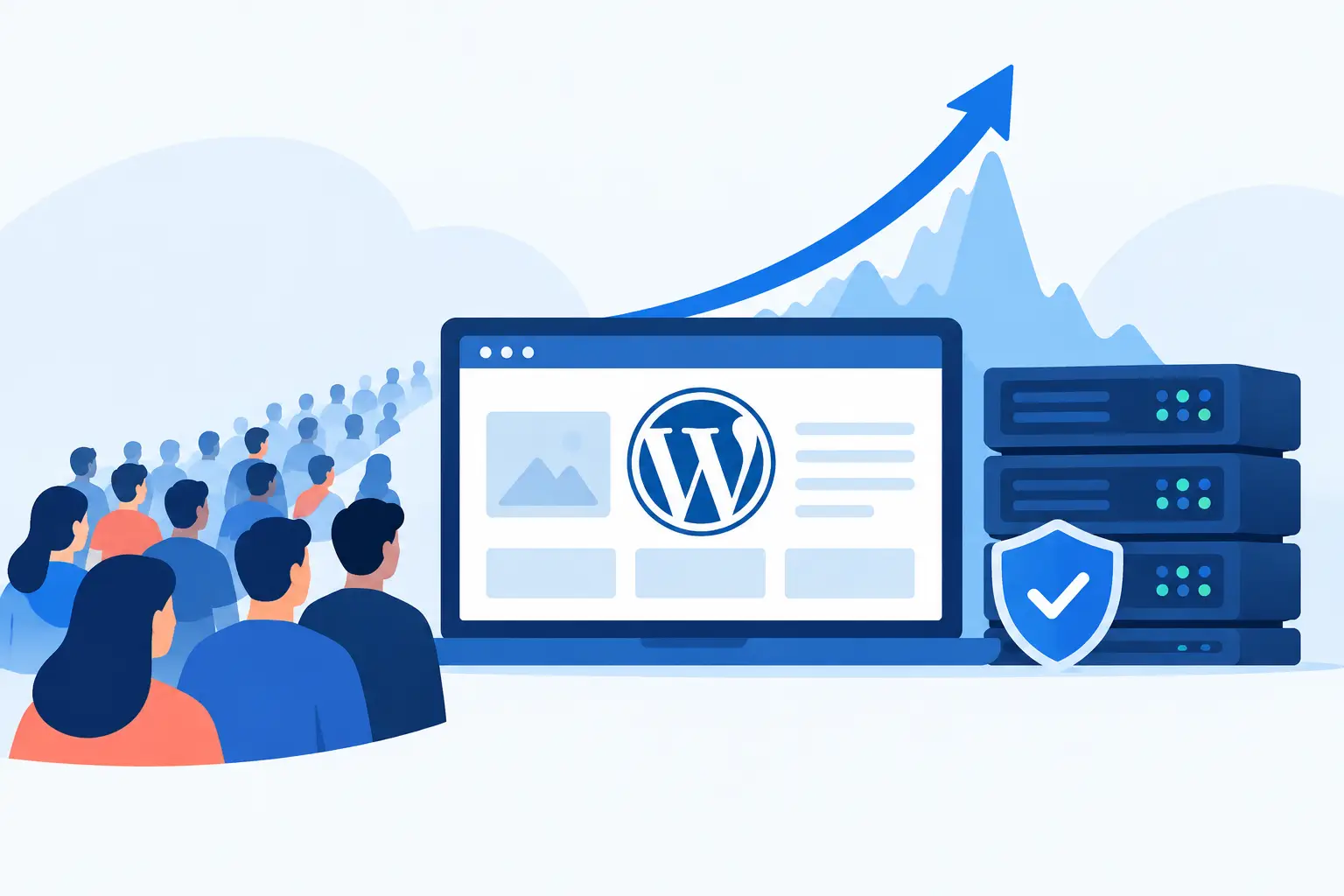
A viral post, flash sale, product launch, or email campaign can change your traffic profile in minutes. The question is not simply, can WordPress handle traffic spikes? It can. The more useful question is whether the infrastructure behind your WordPress site can keep pages fast, checkout available, and administrative functions responsive when demand arrives all at once.
WordPress itself is not usually the point of failure. A poorly sized server, weak caching policy, overloaded database, slow plugins, or untested hosting limits are far more likely to cause trouble. For a content site, a few slow page loads may cost readers. For WooCommerce stores, they can mean abandoned carts, failed payments, and lost revenue at the exact moment your marketing is working.
Contents
Can WordPress Handle Traffic Spikes on Its Own?
No application handles a surge entirely on its own. WordPress is a flexible PHP application that relies on web servers, PHP workers, database resources, caching layers, and network capacity. Each layer has to be configured for the site’s actual behavior.
A mostly static editorial site can serve a very large spike efficiently when full-page caching and a content delivery network absorb repeat requests. Thousands of visitors may receive cached pages without triggering WordPress or MySQL for every view. That is a very different workload from a WooCommerce store, where carts, account pages, inventory checks, coupon validation, and checkout sessions are dynamic.
This distinction matters because headline traffic numbers can be misleading. Ten thousand readers arriving over an hour is not the same as ten thousand customers hitting a limited-time sale in the same five minutes. The second event creates more concurrent requests, more database activity, and more pressure on payment, inventory, and session workflows.
WordPress can perform exceptionally well under load when its hosting environment is sized, configured, and monitored for the actual workload rather than relying on generic resource limits and untested capacity assumptions.
What Usually Breaks During a Traffic Surge
Traffic spikes expose bottlenecks that are easy to miss during normal operations. A site may appear healthy at 100 visits per hour yet fail when concurrency rises because requests begin waiting for limited application workers or database connections.
PHP workers become a queue
Every uncached request needs processing capacity. If all PHP workers are busy handling slow requests, new requests wait in line. Visitors experience long load times, gateway errors, or timeouts. Increasing workers can help, but it is not a universal fix. Too many workers on an undersized server can exhaust memory and make the entire system less stable.
The right number depends on memory availability, application behavior, average request time, and how much traffic can be served from cache. This is why configuration should be measured rather than guessed.
The database carries dynamic traffic
WordPress stores posts, users, settings, orders, metadata, and plugin data in its database. WooCommerce sites add a much heavier transactional workload, particularly during checkout periods. Inefficient queries, oversized tables, excessive autoloaded options, and plugins that perform repeated database calls can turn the database into the limiting factor.
Database tuning is not only about adding CPU. Query analysis, indexing, object caching, table maintenance, and reducing unnecessary plugin activity often deliver more meaningful gains. For stores, it is also essential to separate pages that can be cached from customer-specific workflows that cannot.
Caching is incomplete or incorrectly excluded
Caching is the first line of defense for content-heavy traffic spikes, but a cache that is configured carelessly can create other problems. Caching cart pages, account pages, or personalized pricing can show the wrong content to the wrong visitor. Excluding too much, however, pushes avoidable traffic back to PHP and the database.
An effective policy caches public pages aggressively while protecting dynamic areas. It also includes sensible cache warming and purge rules so a campaign does not send visitors to a cold cache immediately after a site update.
Third-party services slow the request path
A WordPress page can depend on analytics tools, fonts, tag managers, review widgets, ad scripts, APIs, payment gateways, and inventory systems. Some run in the browser, while others add time to the server-side request. Under peak demand, an unreliable external API can create delays that look like a hosting problem.
Critical integrations should have timeouts, error handling, and a plan for degraded operation. A product page should not become unavailable because a nonessential third-party widget is slow.
The Architecture That Makes Spikes Manageable
Reliable spike handling starts with a stack designed for predictable performance. That means a hardened Linux environment, a properly configured web server, tuned PHP processing, a healthy database, and caching at multiple levels. It also means ongoing monitoring, because static configuration becomes outdated as content, plugins, products, and traffic patterns change.
For many sites, a practical architecture includes edge caching for public assets and pages, server-level page caching, persistent object caching for repeated database data, and sufficient CPU and memory to serve uncached requests without contention. The exact mix depends on the site. A membership platform, editorial publisher, WooCommerce store, and lead-generation site all have different cacheability and database profiles.
Scalability also needs a clear operational plan. A server can be vertically scaled by adding resources, but that may not be instantaneous during a campaign. Larger sites may need separate database capacity, multiple application nodes, or load balancing. These options add complexity, so they should be justified by measured demand rather than adopted as a status symbol.
How to Prepare WordPress Before the Campaign Starts
The best time to test capacity is before customers arrive. A performance review should begin with the business event: expected visitors, campaign timing, pages likely to receive traffic, and whether visitors will browse or transact. That creates a realistic target for load testing.
Test both cached and uncached paths. A home page or article may look excellent in a cached benchmark while checkout, login, search, or account actions fail under a much smaller number of concurrent users. For eCommerce, test the complete journey: category page, product page, add to cart, coupon, checkout, payment handoff, and order confirmation.
Before a known surge, teams should also review plugin changes, disable unnecessary features, optimize large media files, confirm backup completion, and check available disk space. Slow log analysis can reveal expensive PHP execution, while database monitoring can identify long-running queries before they become customer-visible incidents.
A useful preparation checklist includes four operational controls:
- Confirm that public pages are cached and dynamic pages are correctly excluded.
- Load test the highest-value customer journeys, not only the homepage.
- Set monitoring alerts for response time, CPU, memory, disk, database activity, and error rates.
- Establish an escalation path so an engineer can respond during the campaign window.
The final point is often overlooked. Monitoring without accountable technical response only tells you that revenue is being lost.
Managed Hosting Changes the Risk Profile
Generic hosting plans are often designed around average usage, not business-critical peaks. Their limits may be opaque, their support may not investigate application behavior, and their shared resource model can leave little room when your site needs it most.
Managed cloud hosting changes the relationship from rented server space to operational ownership. Real engineers can size the environment, tune the stack, harden the operating system, configure backups and SSL, watch performance trends, and intervene when the site shows early signs of stress. At Olvy, this approach is built around tailored environments rather than a one-size-fits-all server configuration.
That does not mean every site needs a complex multi-server deployment. A well-tuned single cloud server can handle significant traffic for many WordPress sites. The right solution is the smallest architecture that safely meets the workload today, with a proven path to expand before tomorrow’s campaign demands it.
When More Traffic Is Not the Real Problem
Sometimes a spike reveals an application issue rather than a capacity issue. A new plugin may create expensive queries. A page builder module may generate excessive assets. A scheduled task may run at the wrong time. A WooCommerce extension may call an external service for every product view.
Throwing larger servers at these problems can mask them temporarily, but it increases cost without fixing the underlying behavior. Performance engineering means identifying whether the constraint is compute, memory, database throughput, code execution, cache misses, or an outside dependency. Only then can resources be applied intelligently.
Treat traffic spikes as a planned operational event, not a gamble. With measured capacity, tested customer journeys, layered caching, and a properly engineered WordPress hosting environment backed by experienced engineers, your site can handle the attention your business has worked hard to earn.
About Olvy ( www.olvy.net ) :
Olvy is a private and independent Limited Liability Company based in Bratislava, Slovakia, in the heart of Europe. We combined our invaluable 20+ years experience to develop innovative and reliable, lightning-fast and affordable Managed Cloud Hosting services for Everyone. From a small blog to a growing eCommerce – Olvy takes care of your website 24/7.
