
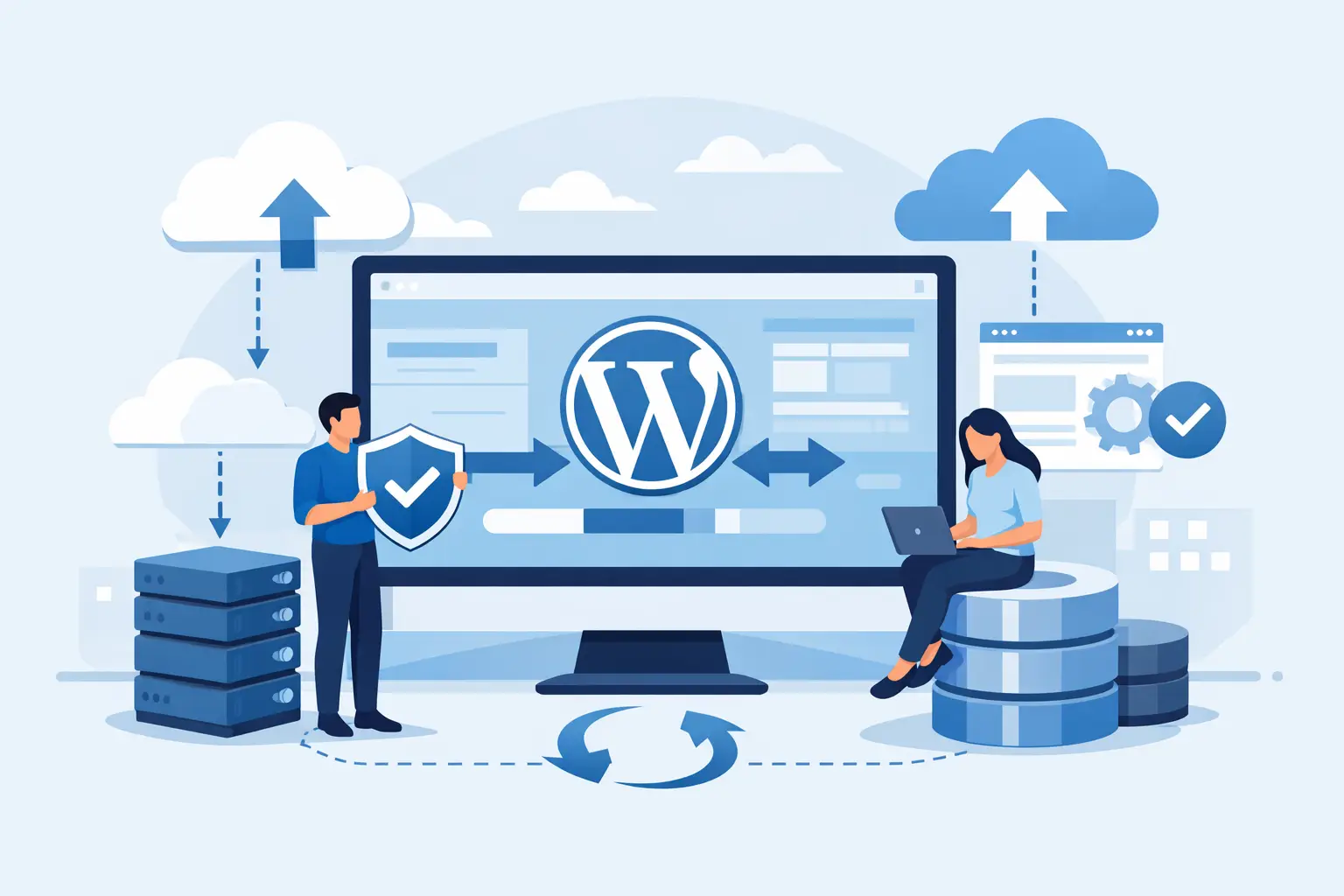
Safe WordPress Backup Restoration Without Downtime
When a WordPress site breaks, the real risk is not simply getting it back online. The bigger problem is discovering that the available backup is incomplete, the database is out of sync, or a rushed restore has replaced one problem with several more. Safe WordPress backup restoration is a controlled recovery process that protects customer data, search visibility, and revenue while returning the site to a known-good state.
For a brochure site, an hour of disruption may be inconvenient. For WooCommerce, that same hour can mean abandoned carts, duplicate orders, missing inventory changes, and support requests that keep coming after the site is back online. Recovery needs engineering discipline, not a hopeful click on a Restore button.
Contents
What a Safe WordPress Backup Restoration Actually Requires
A restore is not just copying WordPress files back to a server. A functioning site depends on several connected layers: the application files, the database, media uploads, server configuration, PHP and web server settings, caching rules, scheduled tasks, email delivery settings, and often third-party services.
The database deserves particular attention. It holds posts, users, orders, customer accounts, settings, and plugin data. Restoring files from 2:00 a.m. and a database from midnight can create subtle failures that are harder to diagnose than a visible outage. Products may disappear, recent orders may not match payment records, or users may be unable to log in.
A safe recovery starts by defining the recovery point objective. In plain terms, how much recent data can the business afford to lose? A content publisher may accept a daily backup. An active store may need backups every few hours, or more frequent database protection, depending on order volume and operational risk.
Recovery time objective matters too. If restoring a large site takes four hours because backups must be downloaded, unpacked, and manually rebuilt, the backup strategy does not meet the business requirement. Backup frequency and restoration speed must be designed together.
Verify the Backup Before You Need It
A backup is only a backup if it can be restored. Many teams learn this after an incident, when an archive contains files but no usable database, or when the backup process silently excluded a critical directory.
Before an incident occurs, verify that each backup includes the WordPress core files, themes, plugins, `wp-content/uploads`, and a consistent database export. If the site uses custom directories outside the normal WordPress path, those must be covered as well. So must configuration files such as `wp-config.php`, although sensitive credentials should be protected with appropriate access controls.
Consistency is the key word. On a busy WooCommerce store, files and database records can change while a backup is running. A database-aware backup method, snapshots coordinated with the application, or a maintenance-aware process reduces the chance of restoring mismatched data.
Backups should also exist outside the production server. A backup stored only on the server is vulnerable to the same disk failure, account compromise, ransomware event, or destructive command that affects the live site. Off-server storage, retention policies, encryption, and restricted backup credentials are baseline safeguards.
A practical test is to restore a recent backup into an isolated staging environment. Confirm that WordPress loads, administrators can authenticate, media files display, forms work, and key customer flows behave as expected. For eCommerce, test product pages, cart behavior, checkout, transactional email, payment gateway callbacks where possible, and order administration.
Stabilize First, Then Choose the Right Recovery Point
When production breaks, speed matters, but uncontrolled speed creates collateral damage. First, establish what changed. Check deployment logs, plugin or theme updates, server error logs, security alerts, and recent configuration changes. A site displaying a white screen after a single plugin update may be recoverable by disabling that plugin. Restoring the entire site could unnecessarily remove valid changes made since the backup.
If there is evidence of malware or account compromise, do not restore over the live environment and assume the job is done. Identify how the attacker gained access, rotate WordPress administrator passwords, hosting credentials, SSH keys, database passwords, and API tokens as appropriate. Otherwise, the same vulnerability can compromise the restored site immediately.
Choose the newest recovery point that predates the issue. For a corrupted update at 10:15 a.m., a backup from 10:00 a.m. may be preferable to last night’s copy. For a suspected compromise that began days earlier, the newest backup may already contain malicious code. This is where file-change records, security logs, and experienced review matter more than backup timestamps alone.
Restore in a Controlled Environment First
For performance-critical sites, the safest approach is to restore to a separate environment before touching production. This gives the technical team room to validate the recovery point, inspect for compromise, and compare data without extending the outage through trial and error.
Restore the database and files as a matched set. Apply the required environment configuration, including PHP version, extensions, web server rules, file ownership, and environment variables. A backup from a previous server may not behave correctly on a new stack if these requirements are ignored.
Then run functional checks. Start with the homepage, key landing pages, search, user login, contact forms, and error logs. On WooCommerce sites, check product availability, cart sessions, checkout, account access, order status, tax and shipping logic, and email delivery. Clear or rebuild application, object, and CDN caches only after confirming the restored site is internally consistent.
This staging step is also the right place to scan for unexpected files, modified plugin code, unfamiliar administrator accounts, and suspicious scheduled tasks. A clean-looking homepage does not prove that the restored environment is clean.
Protect Recent Orders and Customer Data
The hardest restoration decisions arise when the backup predates legitimate transactions. A full restore can return the store to service while erasing orders, registrations, inventory adjustments, or form submissions created afterward.
There is no universal answer. The right method depends on the available records and the systems involved. Payment processor records may help reconstruct successful payments. Order exports, email notifications, ERP records, and database binlogs can provide a path to reconcile missing activity. In some cases, it is safer to restore the application and selectively import or recreate recent orders rather than blindly overwrite everything.
Do not ask customers to place orders again until payment records have been reconciled. That creates a real risk of duplicate charges and damaged trust. Keep a time-stamped incident record, preserve the pre-restore database copy, and communicate clearly with the operations team handling fulfillment and support.
Make the Production Cutover Deliberate
Once the restored environment passes validation, schedule the production cutover carefully. Put the site into a controlled maintenance state if needed, take a final snapshot of the impaired production system, and preserve logs. Even a broken site can contain evidence needed for investigation or data recovery.
At cutover, confirm that domain routing, SSL certificates, redirects, cron jobs, and cache layers point to the intended environment. If DNS changes are involved, account for propagation and avoid lowering TTL values at the last minute. If the same server remains in use, verify that the correct document root, database credentials, and cache namespaces are active.
After the site returns, monitor it closely. Watch error rates, response times, PHP and database logs, uptime checks, checkout conversion, failed payments, and outbound email. A restoration is not complete when the homepage loads. It is complete when critical business operations are stable.
Build Restoration Into Ongoing Operations
The strongest backup strategy is not the one with the most copies. It is the one that has documented recovery objectives, isolated storage, regular restore tests, clear ownership, and a process that accounts for the data created between backup and recovery.
For businesses that cannot afford to treat recovery as an improvised technical task, managed infrastructure changes the equation. At Olvy, real engineers manage the backup, hardening, monitoring, and recovery foundations as part of an engineered WordPress environment, so restoration decisions are supported by people who understand the stack and the business risk.
The helpful standard is simple: do not wait for the next failed update, server fault, or security incident to find out whether your backups work. Restore one in a safe environment now, document what it takes, and make recovery a routine operational capability rather than a high-stakes guess.
About Olvy ( www.olvy.net ) :
Olvy is a private and independent Limited Liability Company based in Bratislava, Slovakia, in the heart of Europe. We combined our invaluable 20+ years experience to develop innovative and reliable, lightning-fast and affordable Managed Cloud Hosting services for Everyone. From a small blog to a growing eCommerce – Olvy takes care of your website 24/7.
