
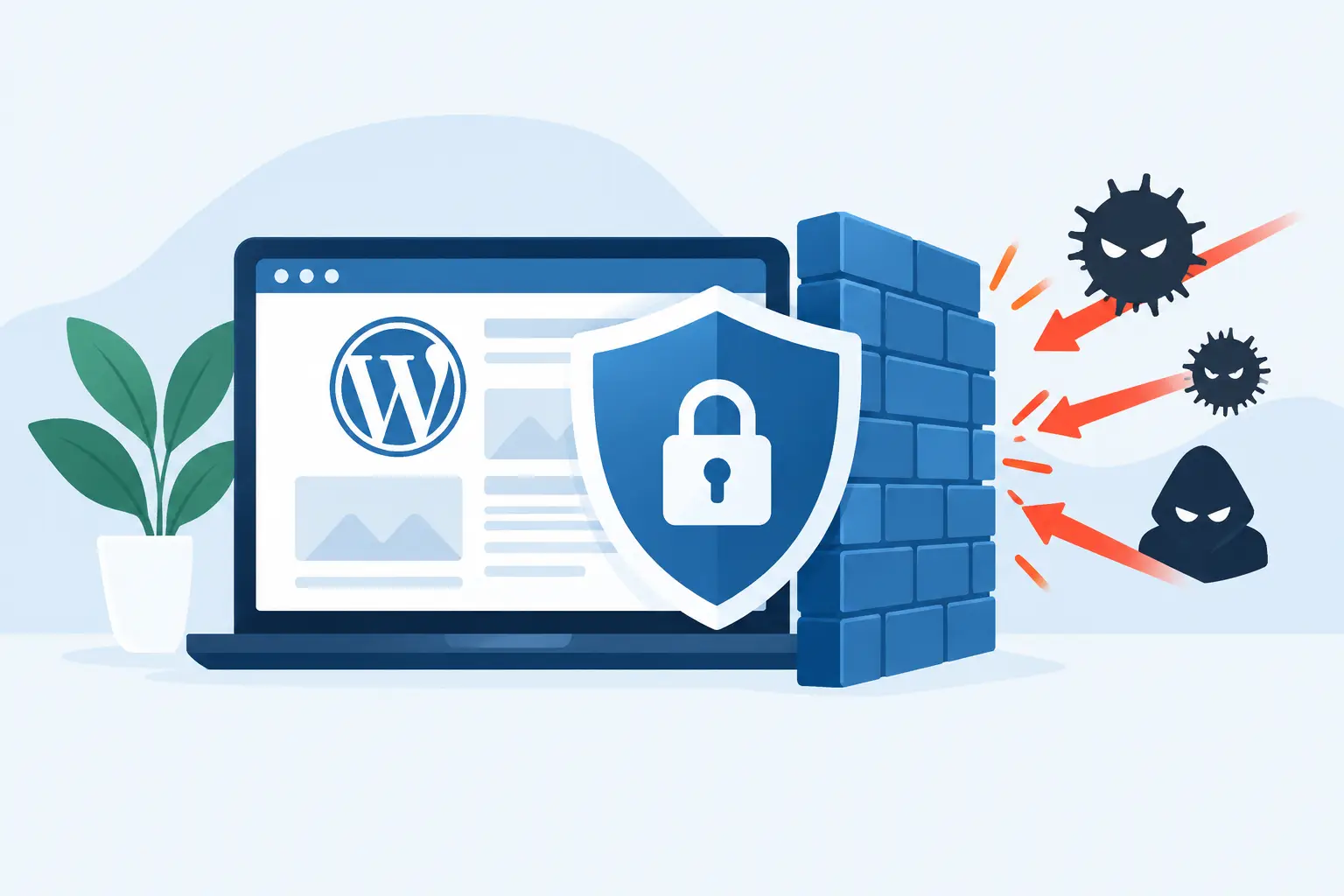
WordPress Firewall Review for Serious Sites
WordPress firewall review should start with the cost of an attack, not a feature checklist. When a bot flood exhausts PHP workers during a promotion, checkout slows down. When a vulnerability is exploited, the damage can extend beyond one compromised page to lost search visibility, payment risk, cleanup costs, and a hard conversation with customers.
For business-critical WordPress and WooCommerce sites, a firewall is not a magic shield. It is one layer in a security-first architecture. The right layer can stop hostile traffic before it reaches WordPress. The wrong setup can create a false sense of safety while attackers still probe weak plugins, overloaded login endpoints, and poorly maintained servers.
Contents
What a WordPress Firewall Actually Does
A web application firewall, commonly called a WAF, examines web requests and decides whether to allow, challenge, rate-limit, or block them. Unlike a traditional network firewall that controls traffic at ports and protocols, a WAF understands HTTP requests and common application attacks.
That distinction matters for WordPress. A WAF can identify suspicious requests targeting known plugin vulnerabilities, attempts to inject malicious code into forms, repeated password guessing against wp-login.php, or automated traffic designed to abuse XML-RPC. It can also filter bad bots that consume resources without creating a sale, lead, or meaningful visit.
The strongest outcome is simple: malicious requests are rejected before they use WordPress, PHP, database, and server resources. This protects both security and performance. A firewall that only reacts after WordPress has fully processed a request may still be useful, but it is operating later in the chain.
WordPress Firewall Review: The Layers That Matter
Not every firewall protects at the same point. A serious evaluation begins by asking where filtering happens and what remains exposed if that layer fails or is bypassed.
Plugin-level firewalls
A plugin firewall runs inside WordPress or closely alongside its application files. It is usually straightforward to install, gives site owners a visible dashboard, and can provide malware scanning, file-change alerts, login controls, and rules designed for WordPress-specific threats.
For smaller sites, this can be a sensible starting point. The trade-off is timing and dependency. If the firewall loads only after the web server and PHP begin handling the request, hostile traffic has already consumed some resources. It also depends on WordPress itself being functional. A broken update, corrupted files, or a compromised administrator account can weaken the security tool you are relying on.
Plugin firewalls are best viewed as application-level visibility and protection, not a complete infrastructure strategy.
Cloud or edge firewalls
An edge WAF filters requests before they reach the origin server. Services such as Cloudflare provide this type of protection by inspecting and filtering traffic at the network edge, before requests reach the server running WordPress. This is generally the better model for sites exposed to large bot campaigns, brute-force attempts, credential stuffing, or traffic spikes. Requests are inspected and filtered at the network edge, so blocked traffic never reaches the server that runs the site.
That architecture reduces load during an attack and gives infrastructure teams room to respond. It is particularly valuable for WooCommerce stores, where every unnecessary request competes with shoppers for database connections, PHP workers, and cache capacity.
The trade-off is configuration discipline. Overly aggressive rules can block legitimate customers, payment callbacks, third-party integrations, or agency access. Geographic restrictions, bot controls, and rate limits need to be tuned against real site behavior rather than enabled blindly.
Server-level controls
A well-managed Linux server adds another layer beneath the WAF. This includes host firewalls, restricted service access, secure file permissions, hardened PHP settings, intrusion detection, log monitoring, and careful isolation between sites or accounts where appropriate.
Server hardening does not replace an application firewall. It limits the blast radius when something goes wrong. If a vulnerable plugin is exploited, a hardened environment can make it much harder for an attacker to escalate privileges, alter system-level configuration, or move laterally to other workloads.
For a revenue-generating site, this layered approach is the standard worth aiming for: edge filtering for hostile traffic, WordPress-aware controls for application attacks, and hardened infrastructure for containment.
The Security Capabilities Worth Paying Attention To
Marketing pages often lead with the number of rules a firewall has. Rule count alone says very little. What matters is whether protection is current, intelligently applied, and backed by monitoring and response.
A capable WordPress firewall should address known exploit patterns and virtual patching for vulnerabilities while updates are being tested or scheduled. It should rate-limit repeated login attempts, protect sensitive endpoints, recognize malicious bots, and provide usable logs when an incident needs investigation.
For eCommerce sites, make sure the firewall can distinguish between hostile automation and valid checkout activity. Payment gateways, inventory systems, shipping tools, search services, and marketing platforms may all make legitimate automated requests. Blocking them can break orders just as effectively as an outage.
False positives deserve as much attention as blocked threats. A firewall that blocks a customer from placing an order at peak traffic is not properly configured. Review how exceptions are handled, whether rules can be tailored to a specific site, and who is accountable for investigating an unexpected block.
What a Firewall Cannot Fix
A firewall cannot compensate for neglected maintenance. If WordPress core, themes, and plugins remain outdated for months, the attack surface expands faster than any single security control can cover it. Virtual patching can reduce immediate exposure, but it should never become an excuse to avoid updates.
It also cannot protect credentials that have already been stolen. Strong administrator passwords, multi-factor authentication, least-privilege user roles, and account reviews remain essential. An attacker who logs in with a legitimate administrator account may look like a normal user to a firewall.
Backups are another non-negotiable control. A firewall aims to prevent compromise. Tested, off-server backups make recovery possible when prevention fails, an update causes damage, or an internal mistake deletes critical data. The right question is not whether backups exist, but whether a clean restore can be completed within the business’s acceptable downtime window. A tested restore procedure is therefore as important as the backup itself, particularly for business-critical WordPress sites.
How to Evaluate a Firewall for Your WordPress Site
Start with the risk profile rather than the product name. A brochure-style site with a small audience has different needs from a WooCommerce store processing orders around the clock. The latter should prioritize edge protection, bot management, uptime monitoring, incident response, and a hosting environment engineered to sustain traffic under pressure.
Then examine operations. Who monitors security events? Who updates the firewall rules? Who investigates traffic anomalies at 2 a.m.? Who restores the site if malicious activity gets through? A tool may be technically capable, but the business still needs someone who owns the configuration and response process.
Ask whether security changes are coordinated with performance and availability. For example, locking down wp-login.php may be wise, but agencies and distributed teams need a secure, practical access method. Disabling XML-RPC may reduce exposure, but some workflows still depend on it. Good security is precise. It reduces risk without casually breaking the business.
Finally, assess the hosting stack beneath the firewall. A site on an unpatched server, with weak isolation and no active monitoring, remains exposed even with a premium WAF in front of it. Managed WordPress hosting should combine firewall controls with server patching, SSL management, automated backups, malware response planning, and engineers who understand the application stack.
When Managed Security Is the Better Choice
A dedicated technical team is not necessary for every simple site. But as WordPress becomes a sales channel, lead-generation engine, or customer portal, security becomes an operational responsibility rather than a plugin setting.
This is where engineered managed hosting has an advantage. Instead of asking a site owner to correlate firewall alerts, server logs, failed login attempts, PHP errors, and backup status, the provider manages the environment as one system. At Olvy, that means real engineers can align hardened Linux infrastructure, monitoring, backup practices, and WordPress performance controls around the needs of the site.
The most effective firewall is the one that is current, correctly tuned, actively monitored, and supported by a recovery plan. Choose protection based on how much your site matters to the business – then make sure someone qualified owns the work after the dashboard is installed.
About Olvy ( www.olvy.net ) :
Olvy is a private and independent Limited Liability Company based in Bratislava, Slovakia, in the heart of Europe. We combined our invaluable 20+ years experience to develop innovative and reliable, lightning-fast and affordable Managed Cloud Hosting services for Everyone. From a small blog to a growing eCommerce – Olvy takes care of your website 24/7.
